


Featured Stories


Recent Stories
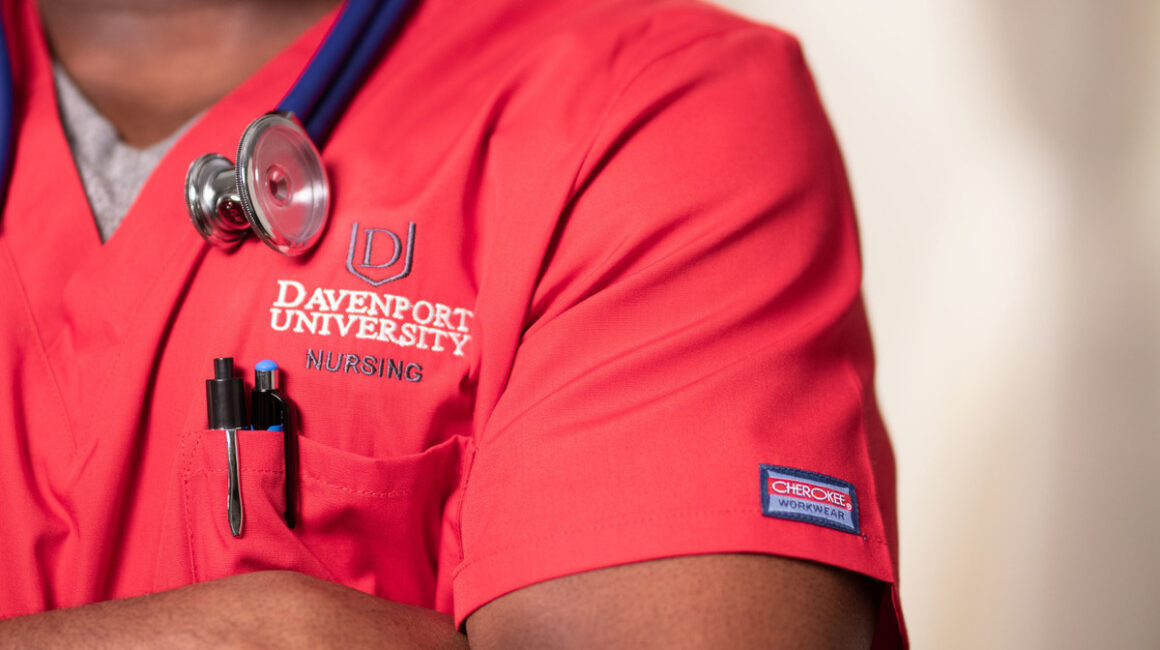
Nursing shortage triggers changes, Davenport University responds with flexibility
Nationwide, there’s a shortage of healthcare professionals, and that need is expected to grow. Davenport University is addressing the talent […]
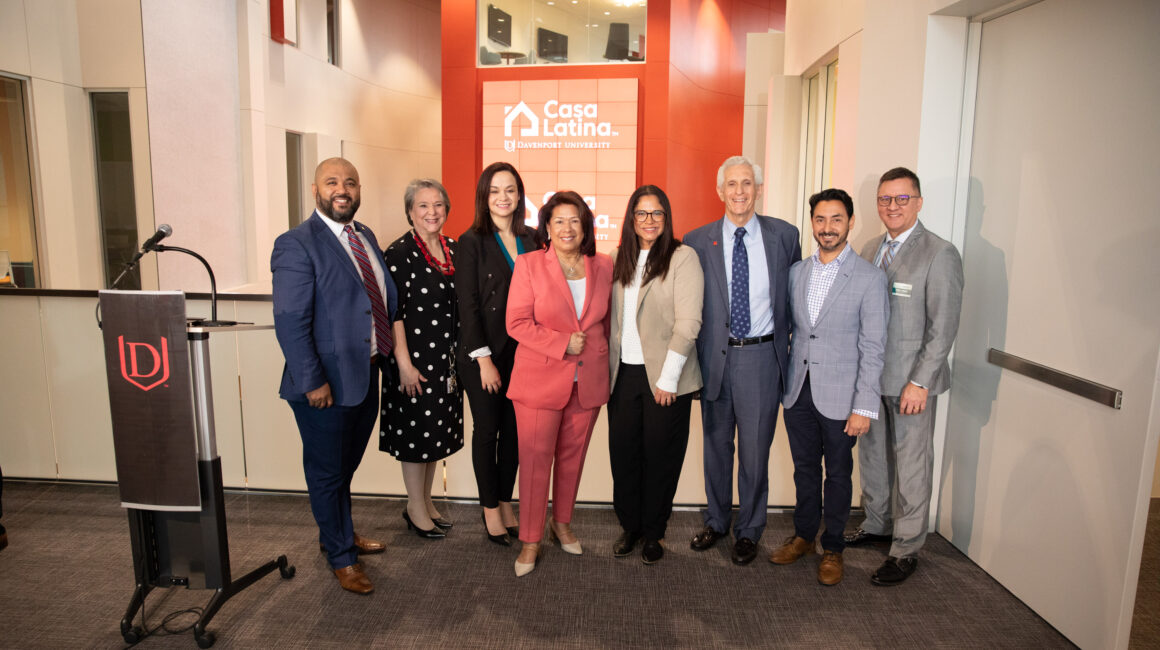
Davenport University launches one-of-a-kind bilingual program
Davenport University hosted a news conference on its Grand Rapids W.A. Lettinga Campus March 5, 2024, to officially launch Casa […]

A Message from the President
As seen in the Spring DU Review Magazine Davenport University has built a solid reputation for being agile, for responding […]
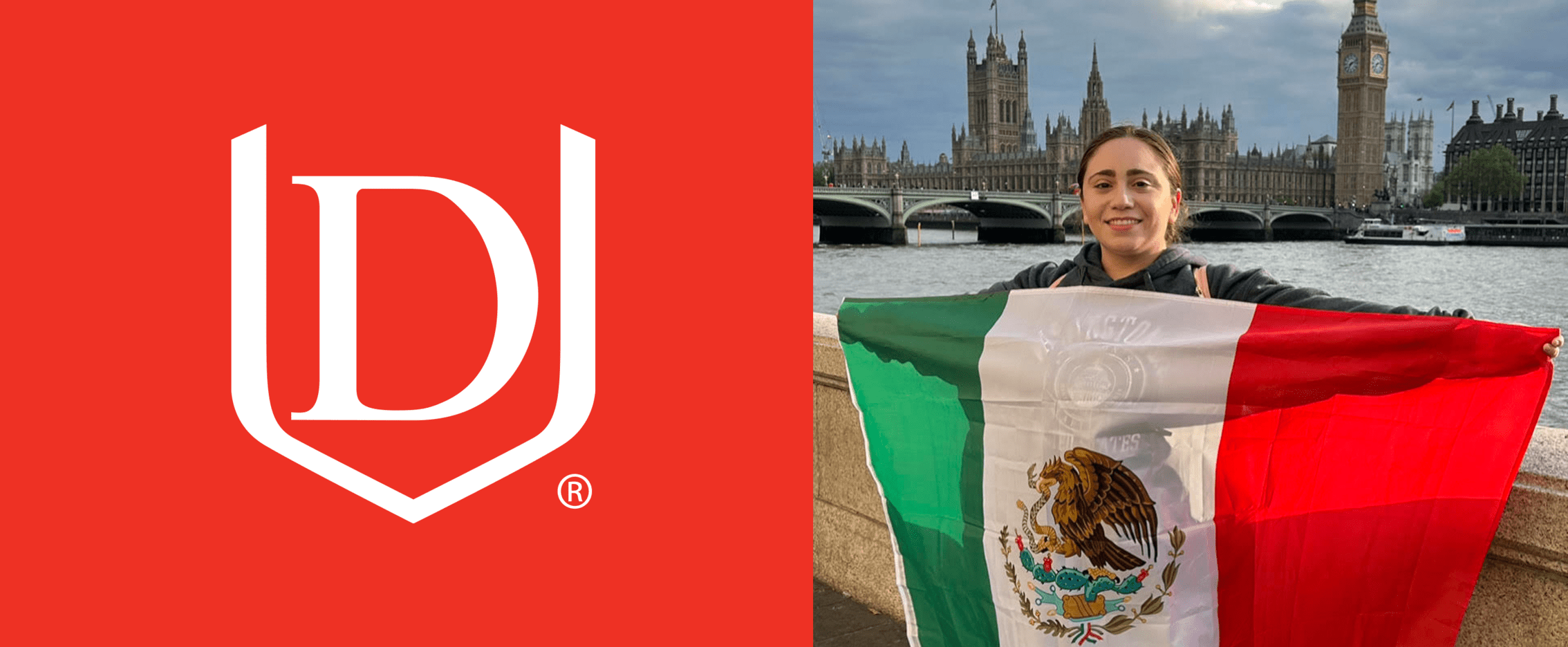
Davenport student overcomes incredible odds to earn her degree
Seira Jenkins is a first-generation, non-traditional student at Davenport University who was forced to put her dream of attending college […]
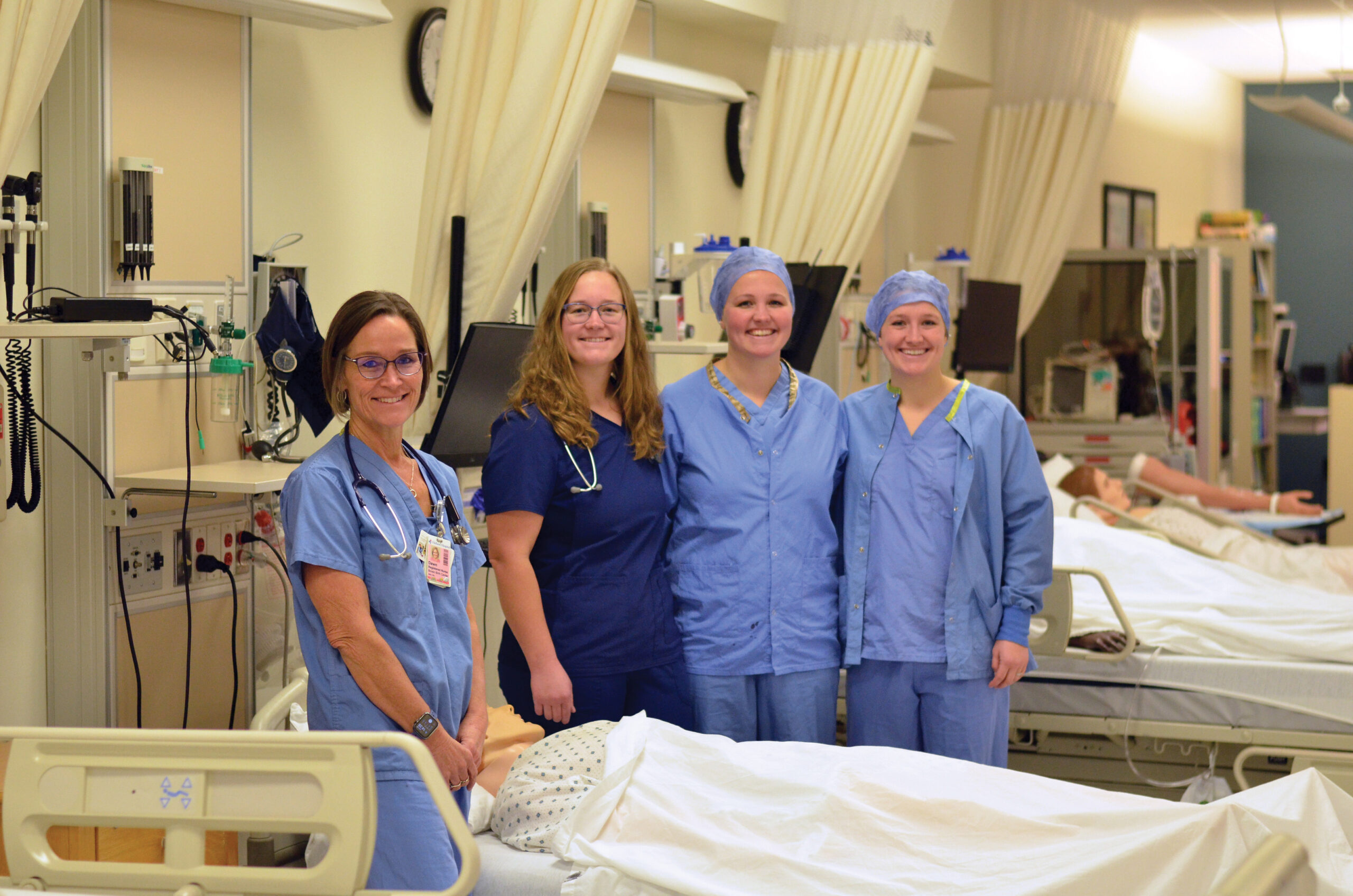
Davenport Nursing – it’s all in the family
Pictured left to right: Dawn Overbeek, Veronica Overbeek, Elizabeth Overbeek-Buresh and Melinda Overbeek-Conklin. Sometimes sisters don’t like to be followed […]
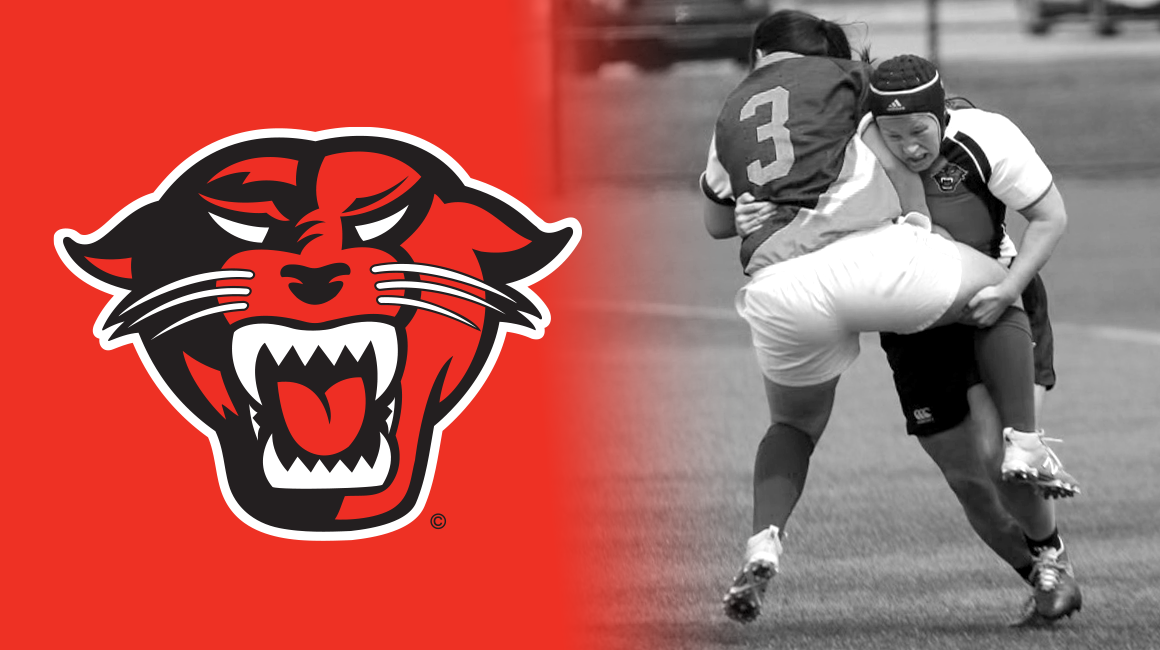
Davenport alum transitions from player to coach
When Veronica Overbeek, BSN ’19 first stepped foot on Davenport’s Lettinga Campus as a freshman in 2015, she quickly realized […]
The evolution of the Panthers
Davenport University’s athletic program has evolved over time to become a force to be reckoned with. Over the years, numerous […]
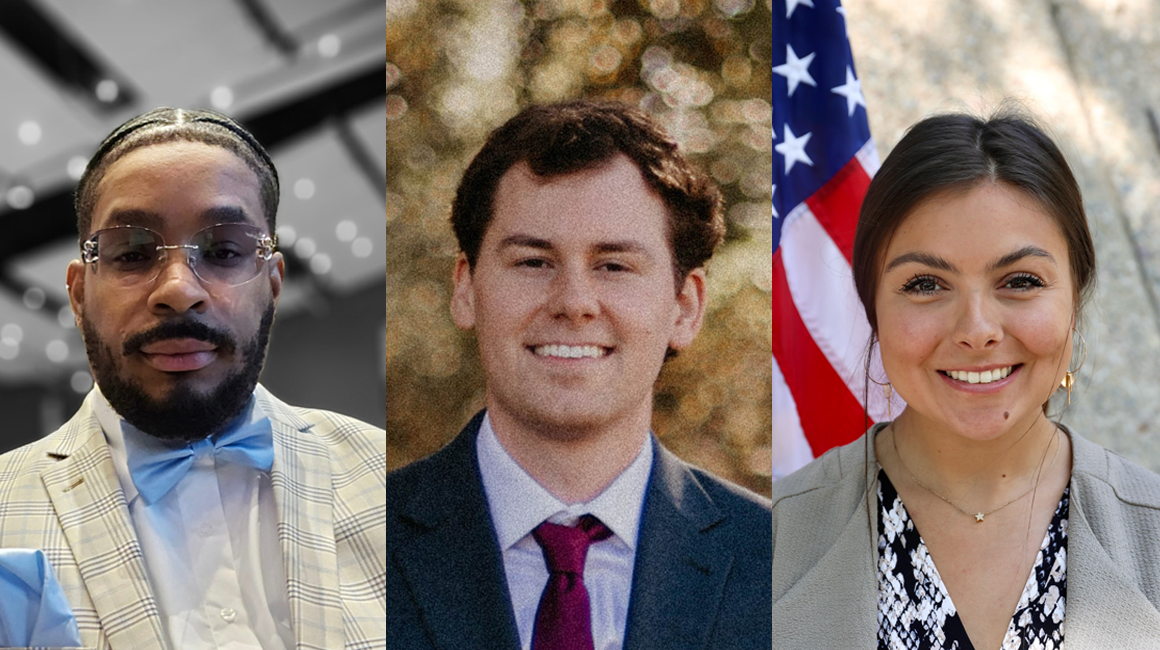
Internships prepare students for their chosen careers
Most college students entering the final phase of their educational journey are focused on finishing classes, graduating, and landing the […]
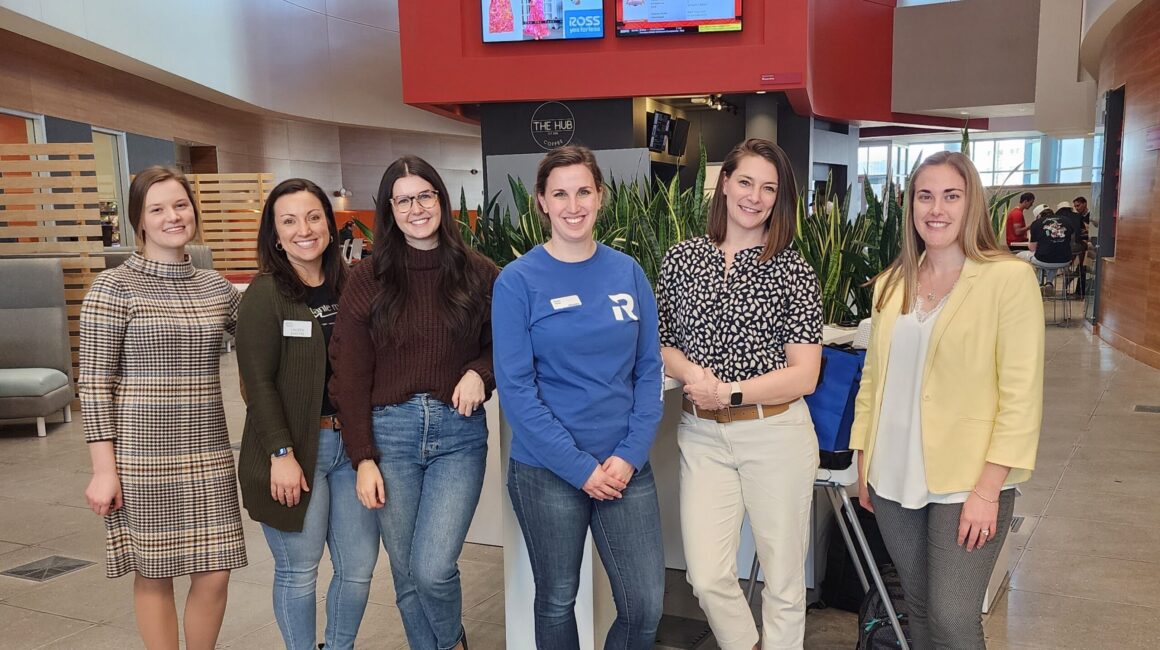
Accounting and Finance Forum connects students with industry experts
Educators at Davenport University take every opportunity to connect students with industry experts to expand upon what is being taught […]

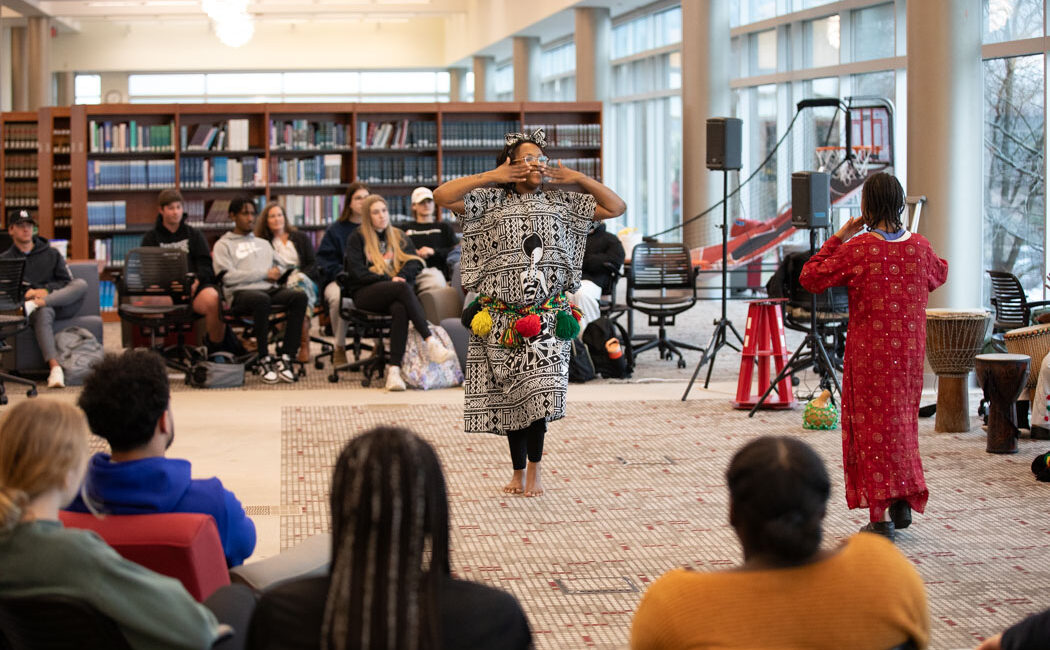
West Michigan Jewels of Africa bring Pan-African culture to Davenport
The West Michigan Jewels of Africa (WMJA) brought the sights and sounds of a traditional African village to Davenport University’s […]

Women’s History Month inspires us to move forward
A message from Davenport University president Richard J. Pappas March is Women’s History Month. It has been so since 1987 […]
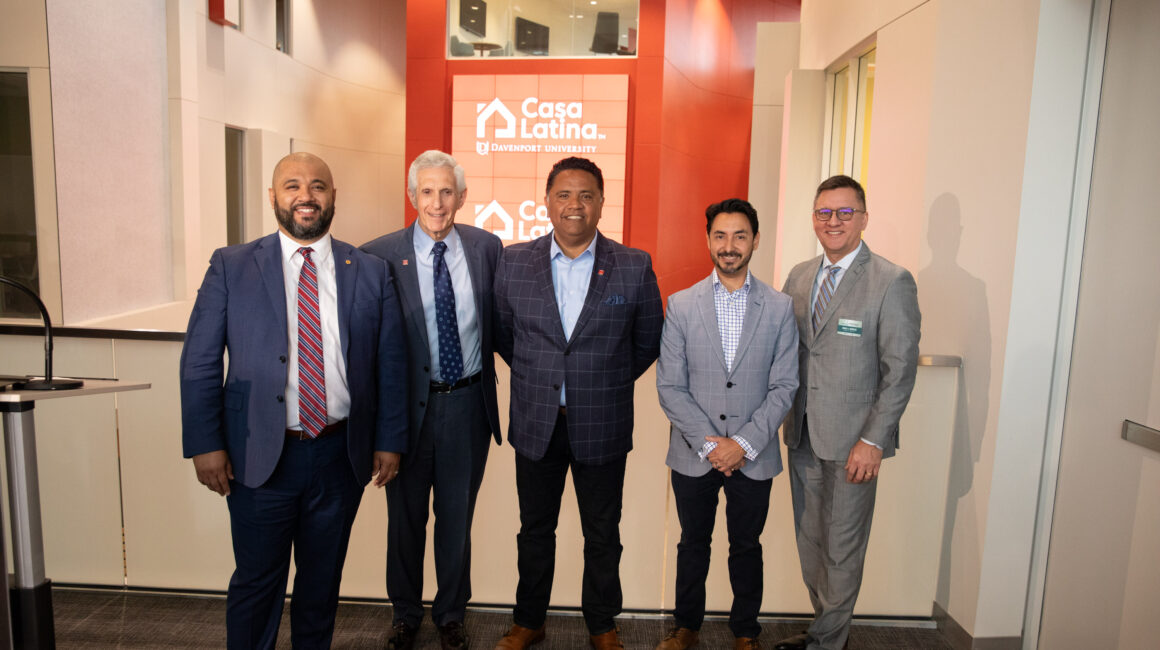
Davenport University launches groundbreaking bilingual degrees program
Leaders at Davenport University announced a groundbreaking initiative that leads to bilingual degrees with professional proficiency in English and Spanish. […]

Students flock to Davenport University’s annual Career and Internship Fair
Davenport University held its annual Career and Internship Fair on February 15 at its Grand Rapids Lettinga Campus. More than […]
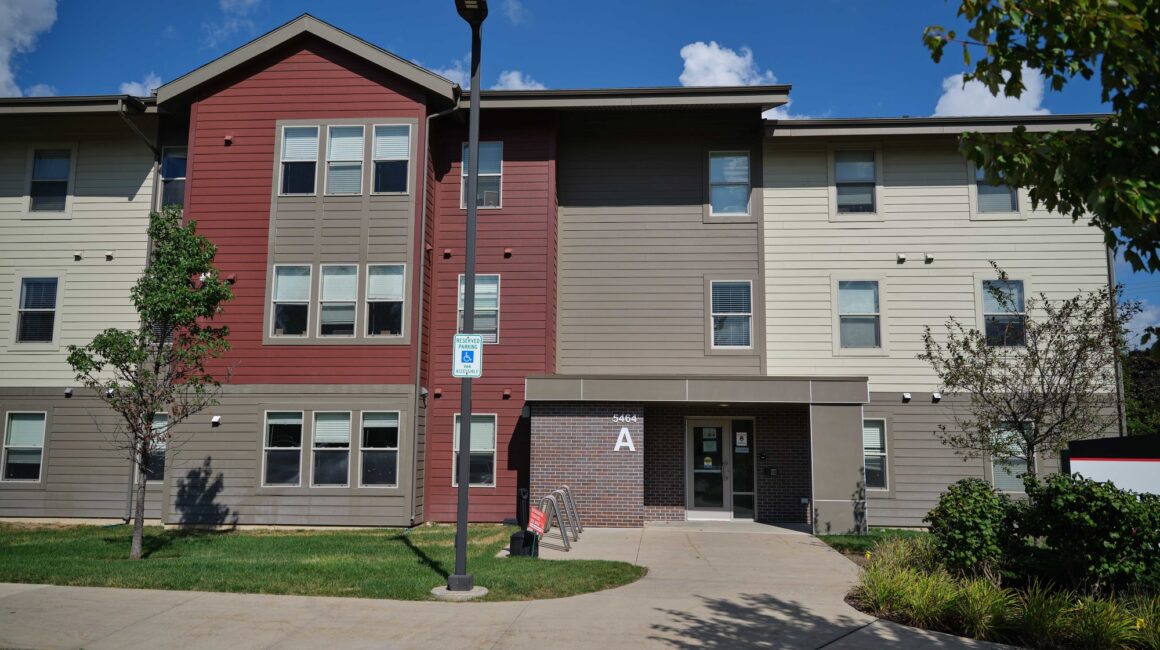
Davenport’s housing options help students feel right at home
College students have many important decisions to make before they even step foot in a classroom. Topping that list includes […]